- 1
Open your gift
Follow the link in your eGift email and complete registration to access your card.
- 2
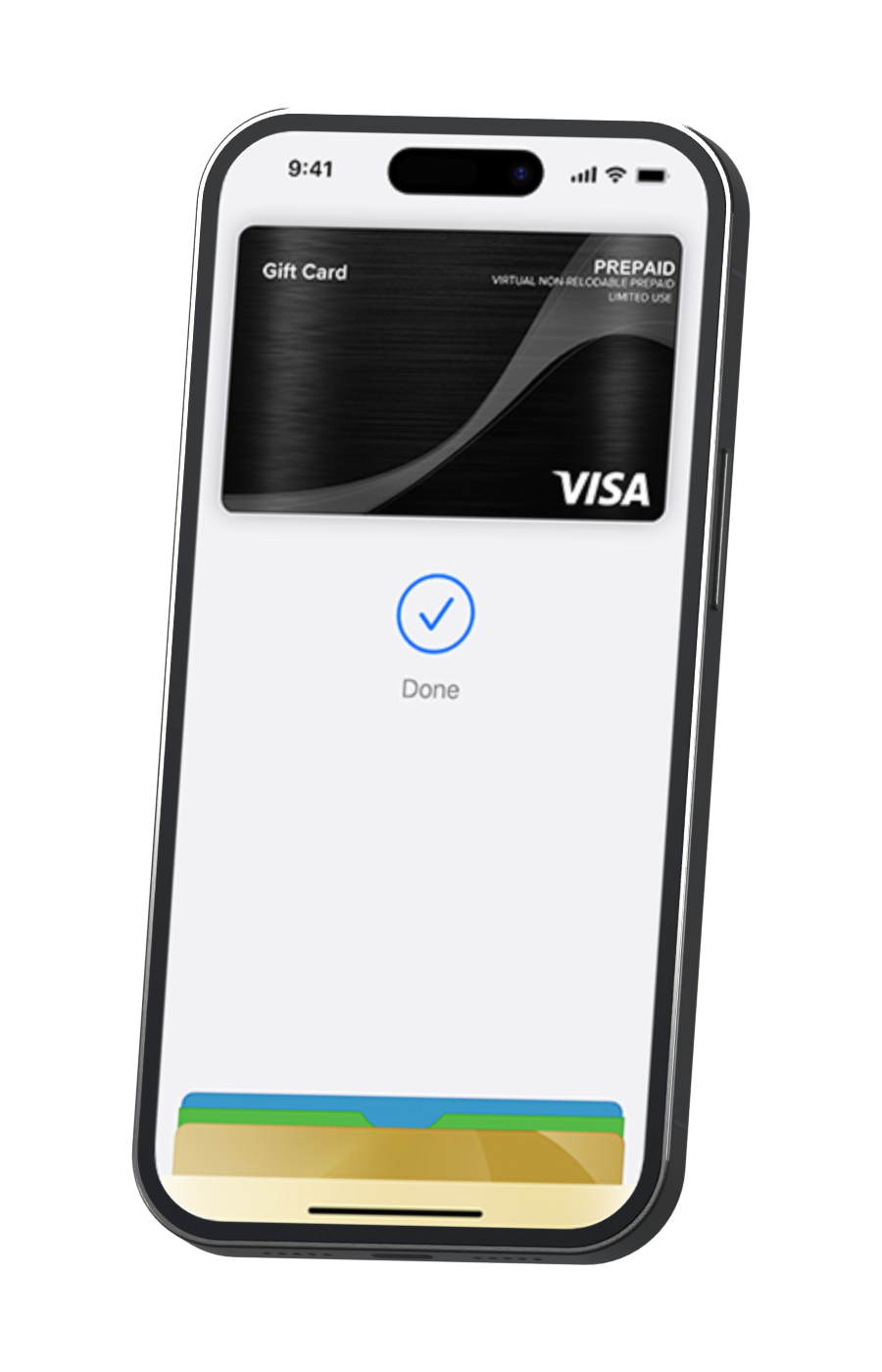
Add it to your mobile wallet
Select “Add to Wallet” and follow the prompts on your phone.
- 3
Make it a little moment for you
Tap to pay in-store, or enter your card details at an online checkout. Acceptance restrictions apply.
- 1
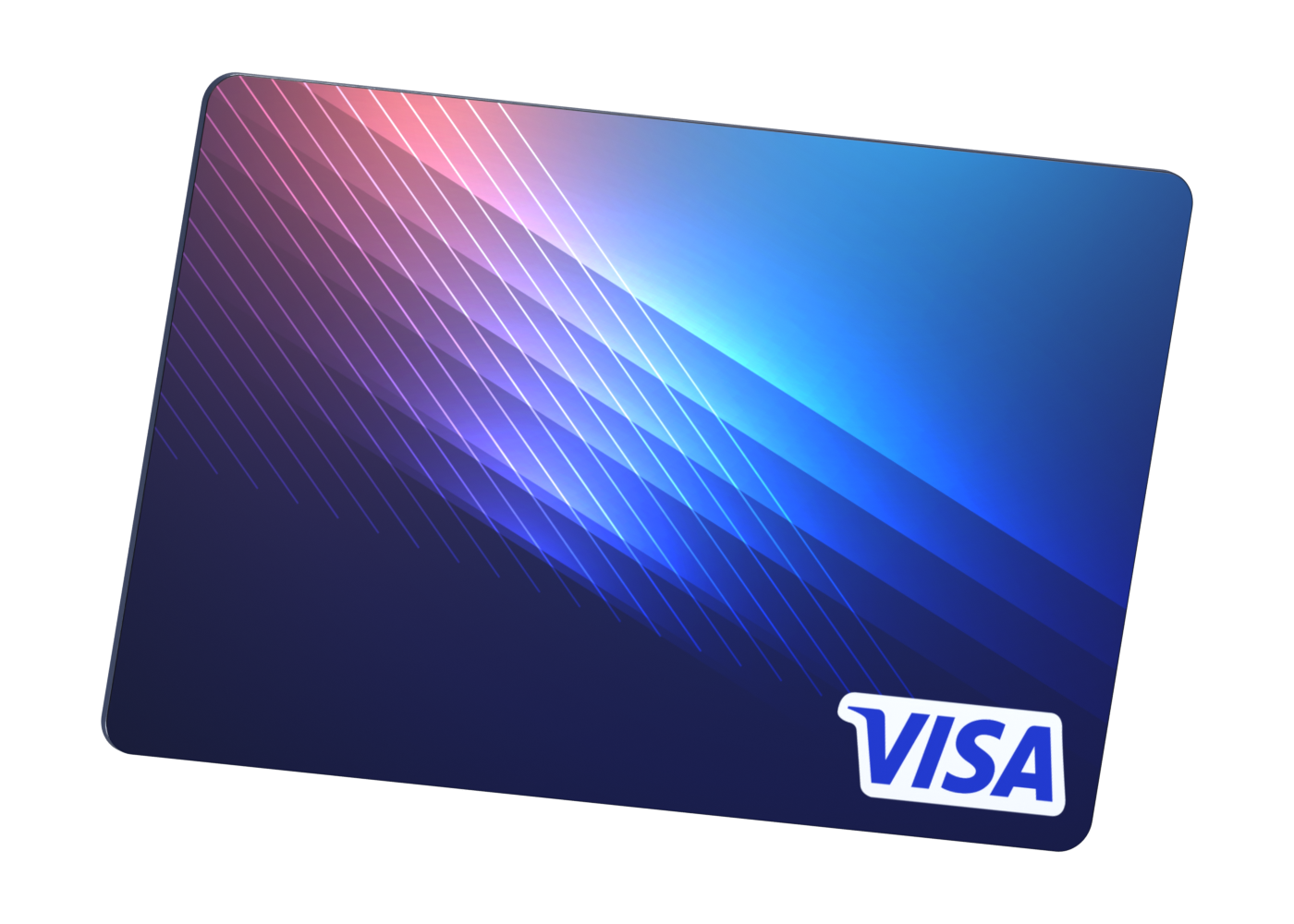
Get to know your card
Check your balance and expiry, and follow any instructions supplied with your card.
- 2
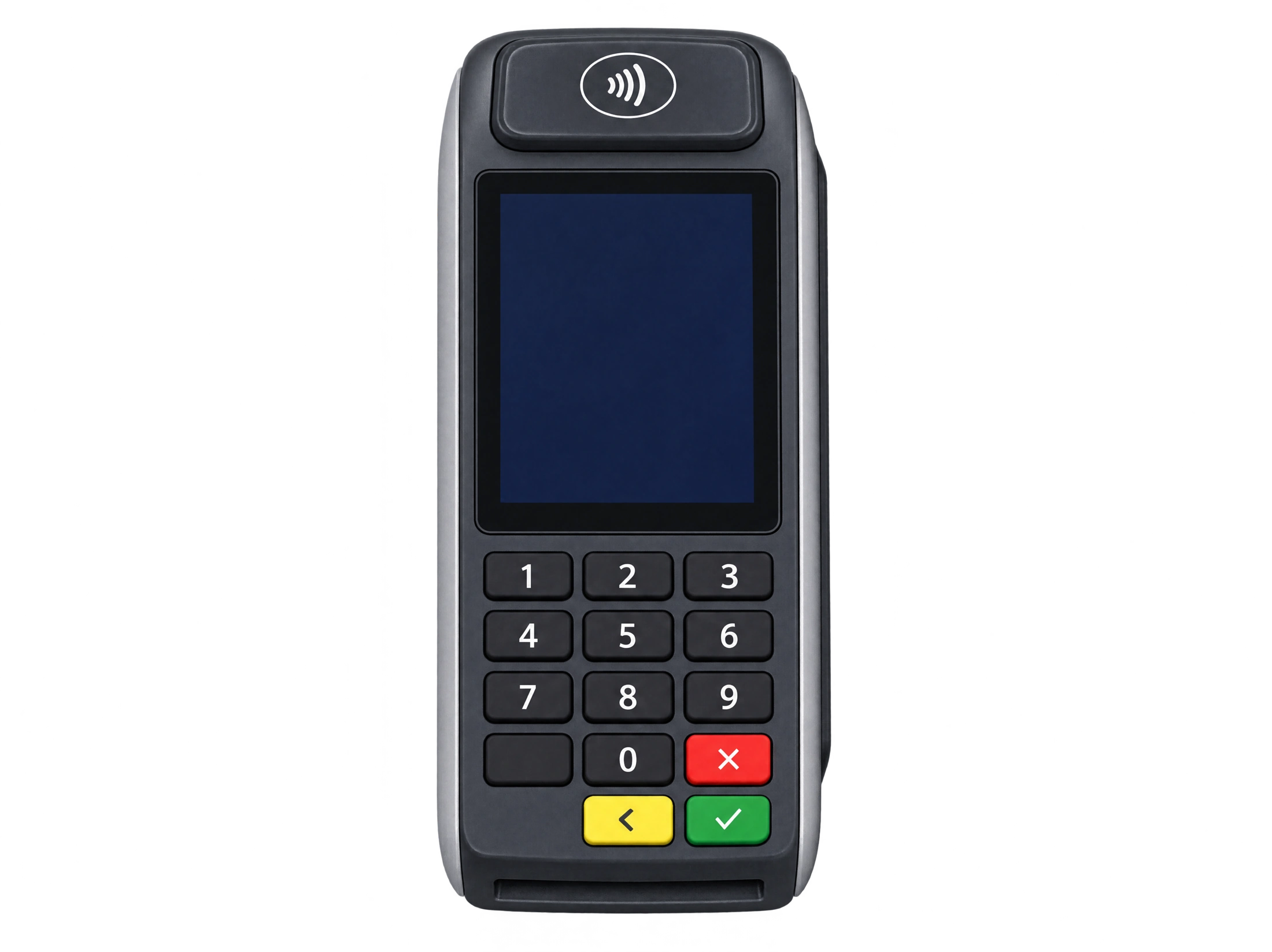
Pay in-store or online
Follow the terminal prompts in-store, or enter your card details at an online checkout.
- 3
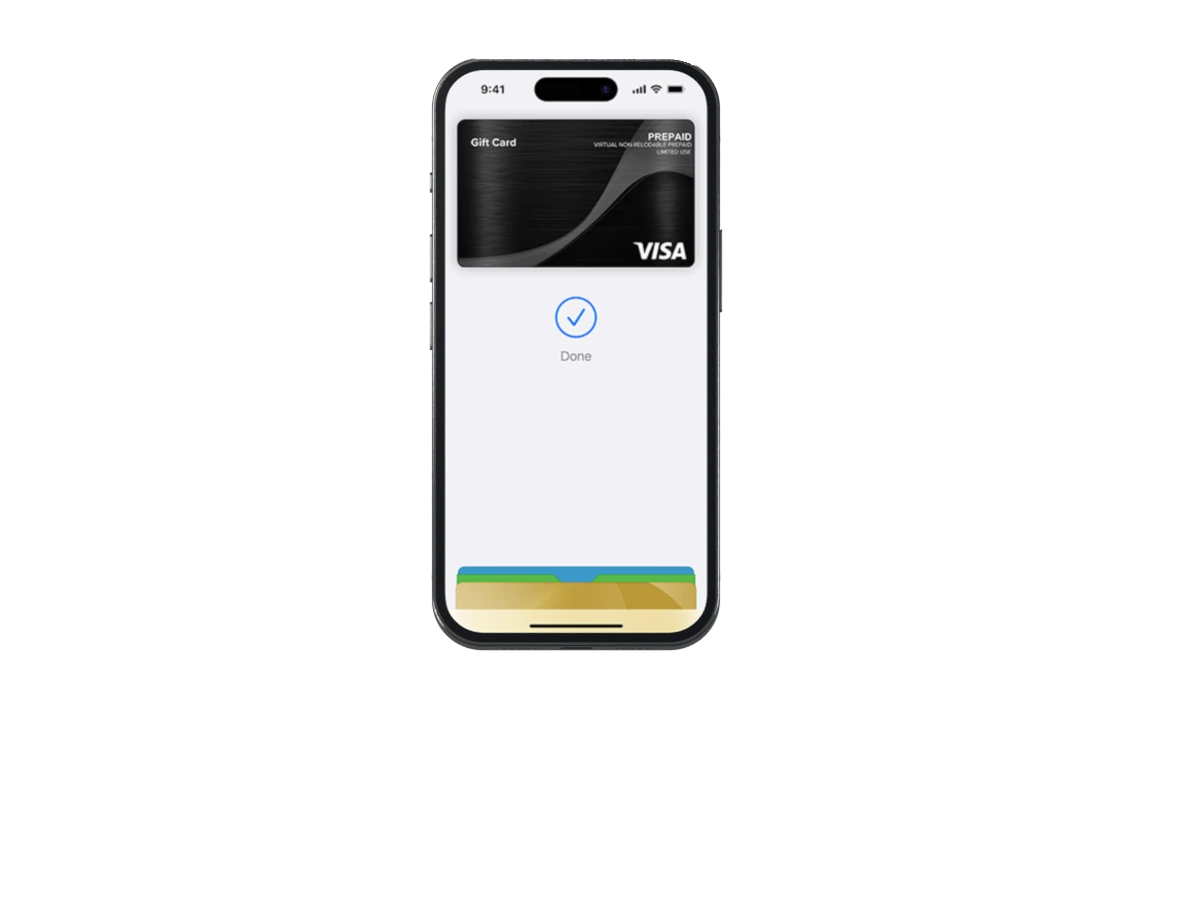
Prefer to use your phone?
Open your wallet app, choose the option to add a debit or credit card, and follow the prompts to enter your card details. No registration is required.
Wallet availability is subject to your device and wallet provider.